Projects.
Not folders.
Desktop. Upgraded.
Mac gives you folders. DeskTiles gives you projects — one tile, everything you need, exactly where you left it.
Launch offer · Limited time
macOS Sonoma · Sequoia · Tahoe · Golden Gate · One-time purchase · No cloud
"It doesn't feel like a tool anymore. It's just how the Mac works."
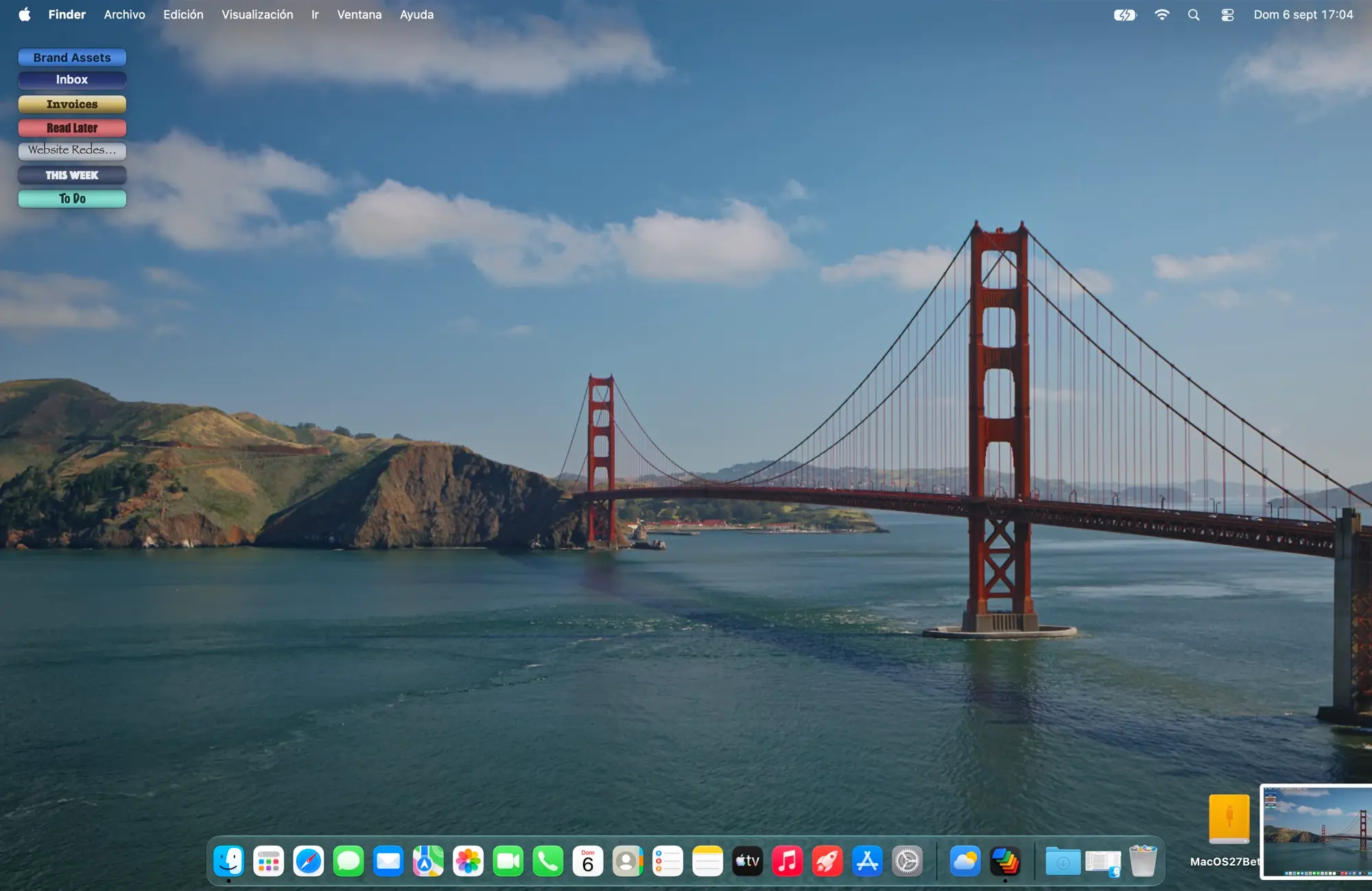
Real app. Real desktop.
From scattered files to one tile.
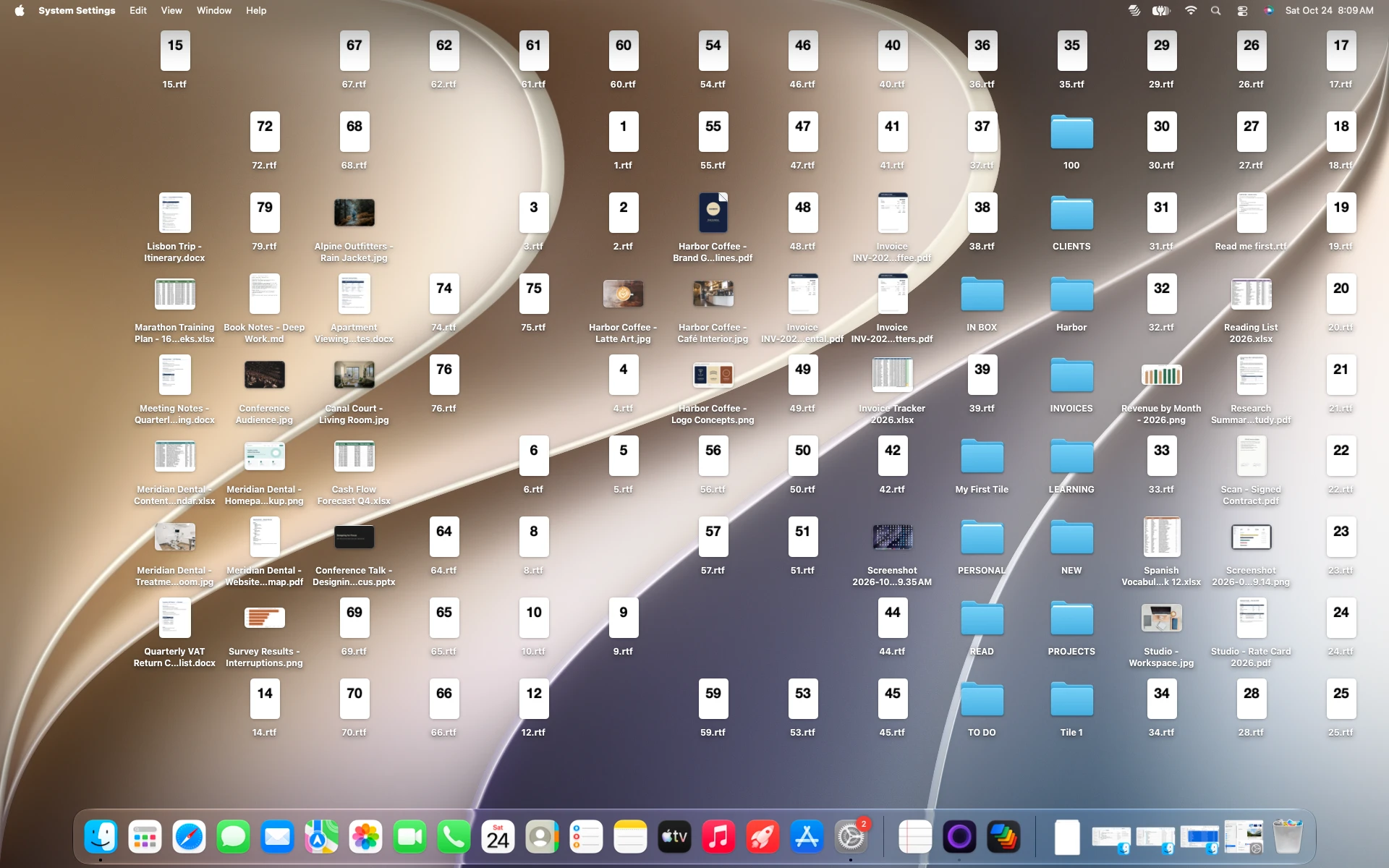
Files scattered everywhere.
Keep scrolling
See it in action
45 seconds. No narration. Just DeskTiles.
macOS organizes your files.
DeskTiles organizes your work.
Stacks sort by type. Finder sorts by name. DeskTiles sorts by you — by project, by client, by context.
Your order. Not Mac's.
macOS Stacks sorts by file type. DeskTiles sorts by how you work. Projects, clients, contexts — you decide what goes where and how it looks.
Your style. From scratch.
Colors, fonts, tile size, borders. Every detail is yours. Your desktop should reflect your work, not a default macOS setting you never chose.
Your projects. Always ready.
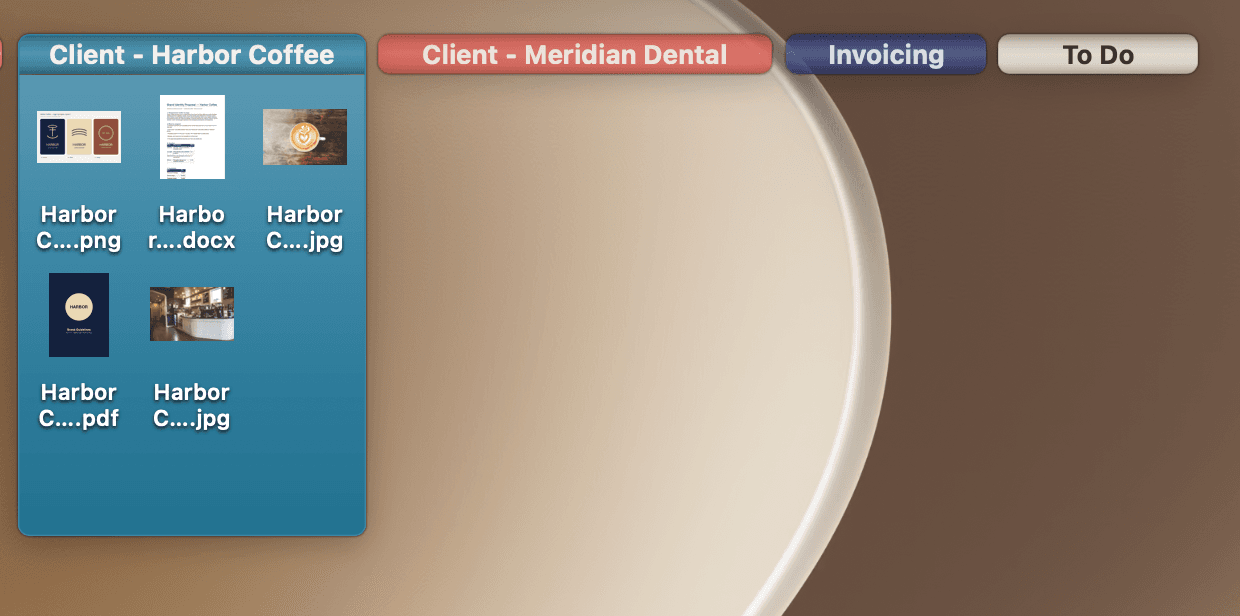
One click to expand a project. Everything exactly where you left it — files, references, screenshots, PDFs. Zero hunting. Zero friction.

For people who live on their desktop
Your desktop.
Your command center.
Every project at a glance. Every file in its place. Open, work, close. No searching. No friction.
Automatic Tiles. Smart by default.
Start from a template designed for how you actually work. DeskTiles comes with pre-built layouts for common workflows — so your desktop is organized from day one, not day thirty.
Or build your own. Pick from the Layout Gallery — rows, columns, Eisenhower matrix, and more — and apply it in one click. Each tile maps to a real project on your desktop, not a virtual folder.
Pick a template. Start instantly.
DeskTiles ships with layouts for every workflow. Projects, organizing, focus, minimalism. Choose one and your desktop is ready in seconds — not in days.
From chaos to focus.
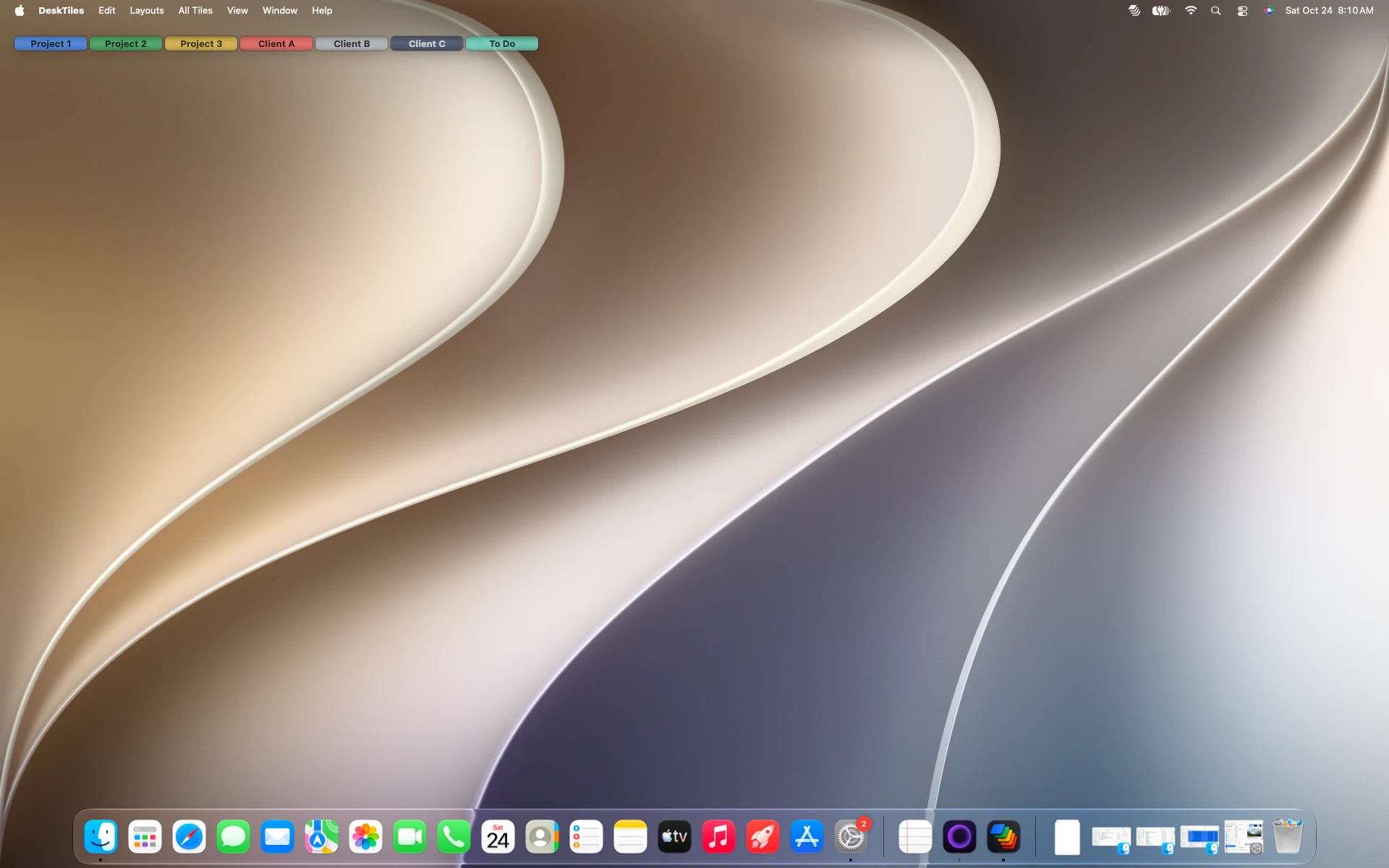
Collapse entire projects into a single clean pill. Reduce visual noise instantly while keeping every file exactly where you need it.
Your projects stay together.
Expand a tile and instantly recover the full context of your work. Files, references, screenshots, PDFs, ideas — exactly where you left them.
Feels like macOS.
Quick Look. Keyboard navigation. Drag & drop. Finder behavior. Everything works exactly the way Mac users expect.
Your files stay yours.
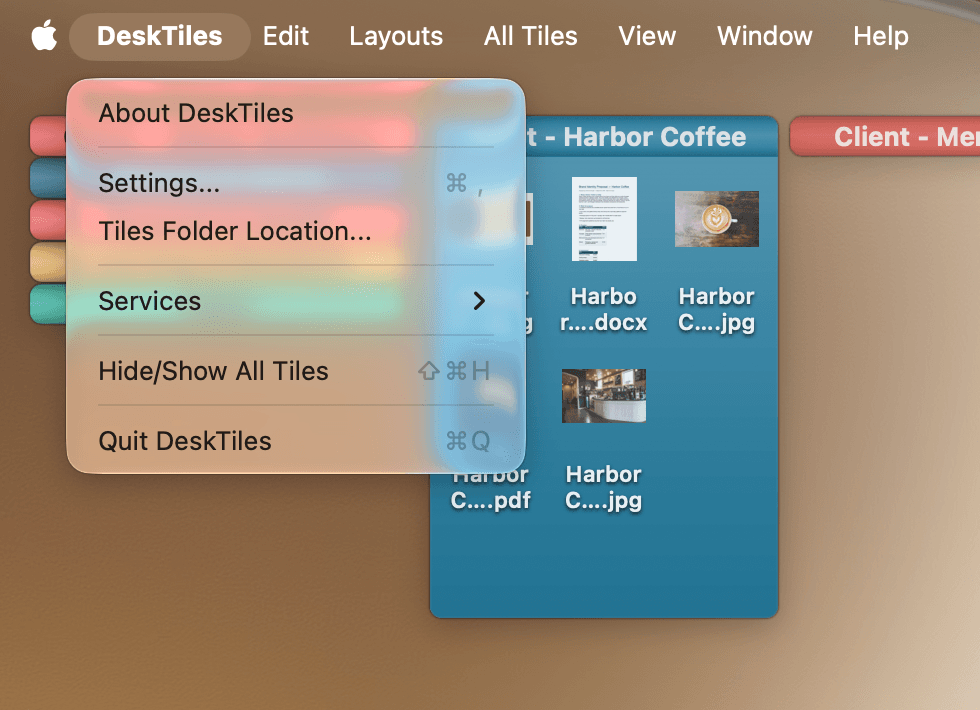
DeskTiles works with real Finder files — not a database, not a cloud container. No subscriptions. No sync engine. No vendor lock-in.
Make it yours. Down to every pixel.
Change colors, background, shape, opacity, icon size and font — every tile is fully yours. DeskTiles adapts to how you think, not the other way around.
Move entire workflows together.
Select multiple tiles and reorganize your workspace in seconds. A professional spatial tool — not a simple sorter.
Save it once.
Recall it forever.
DeskTiles remembers your layouts. Save your current arrangement to memory — then recall it with one click, any time. Switch between your "focus mode" and your "full context" setup in seconds.

For people who live on their desktop
Your desktop.
Your projects.
Your rules.
Stop organizing for Mac. Start organizing for yourself.
For people who live on their Mac
Your Mac is smart.
Your desktop
should be too.
DeskTiles organizes everything around how you actually work — not around how a folder hierarchy was invented in 1984.
Launch offer · Limited time
Get DeskTiles — €14.99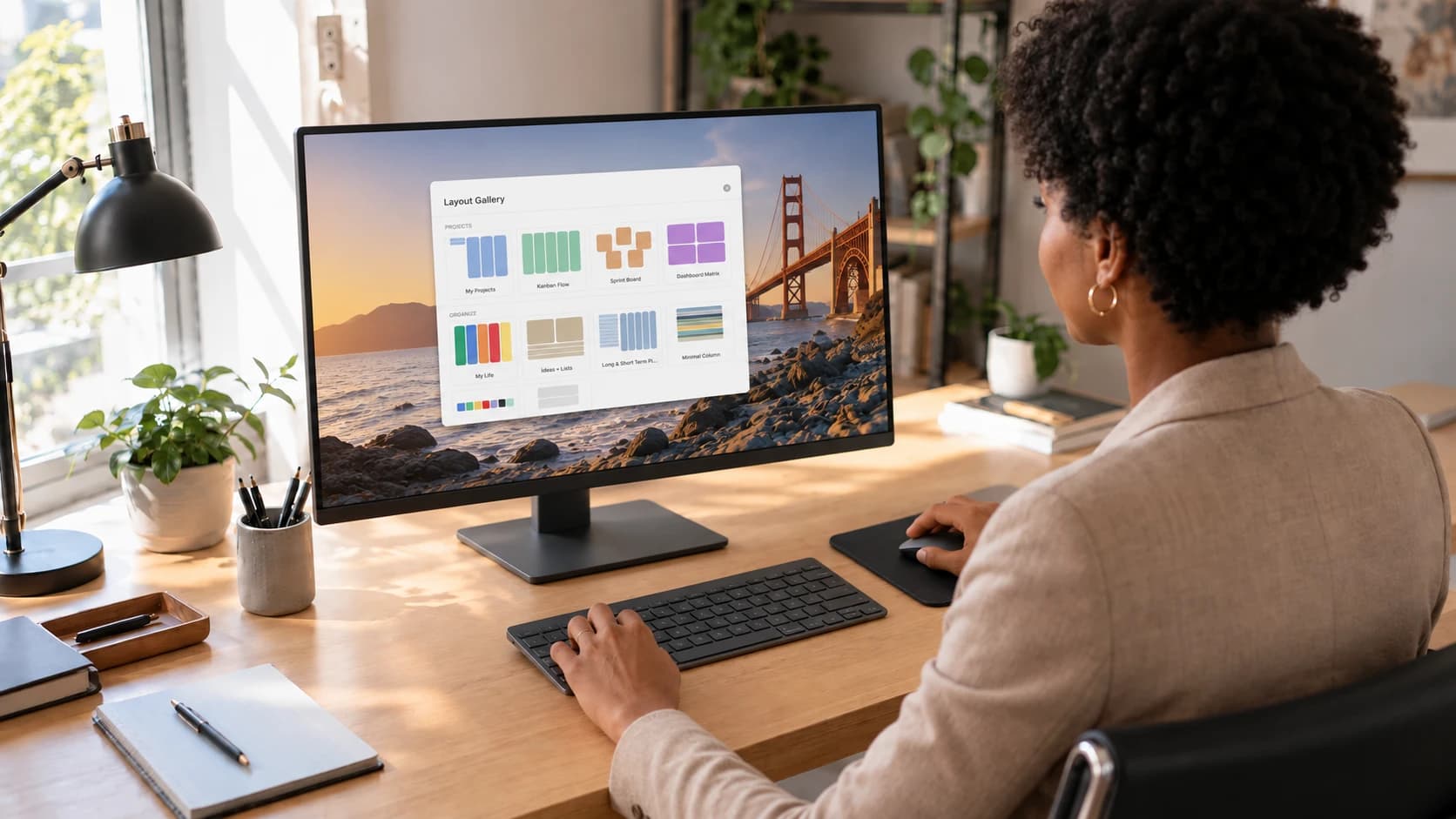
Built for people who live
on their desktop.
Every feature earned its place. Nothing here by accident.
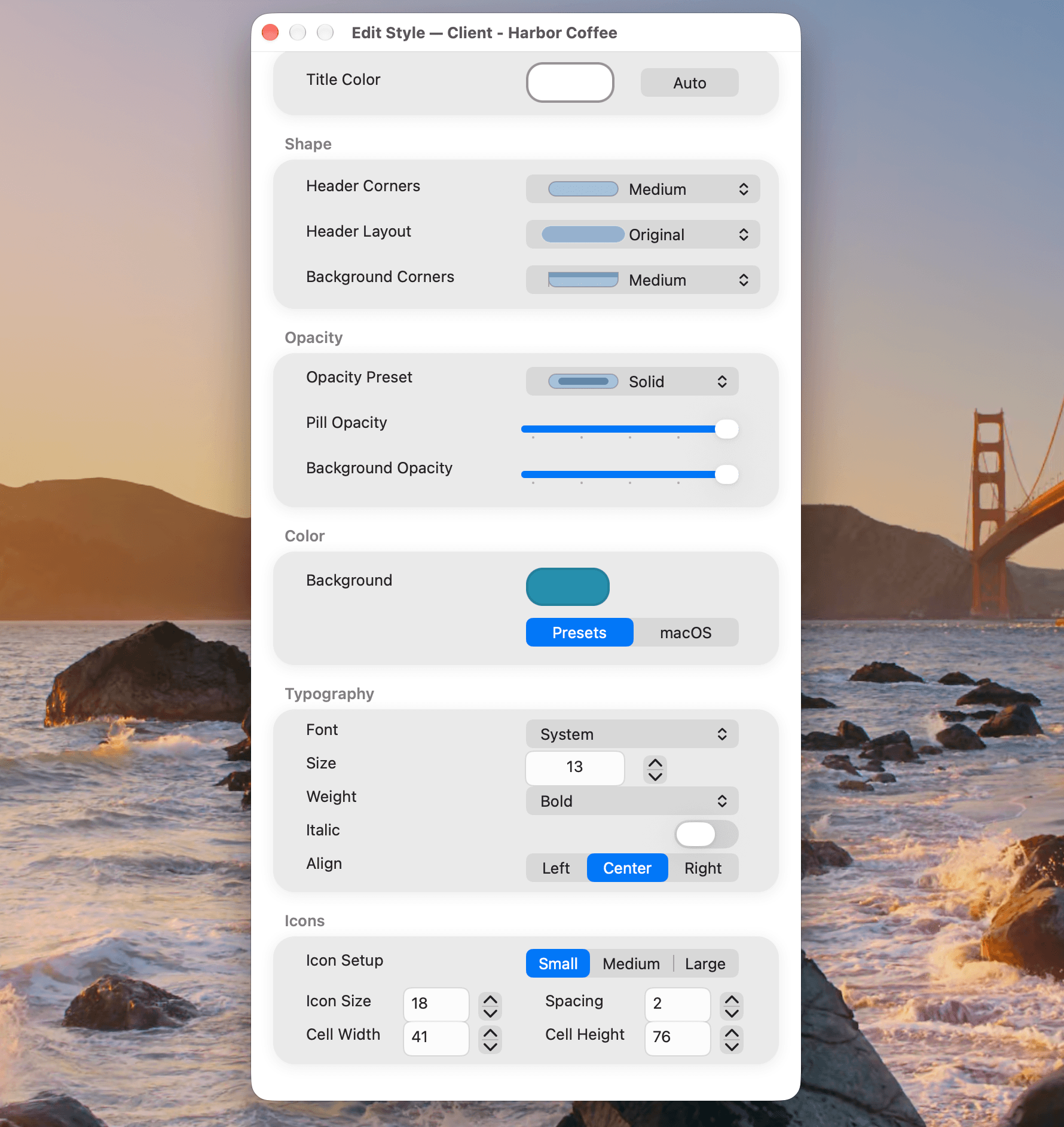
Edit Style
Colors, fonts, tile size, header shape, borders, opacity. Customize every detail until your desktop feels like yours.
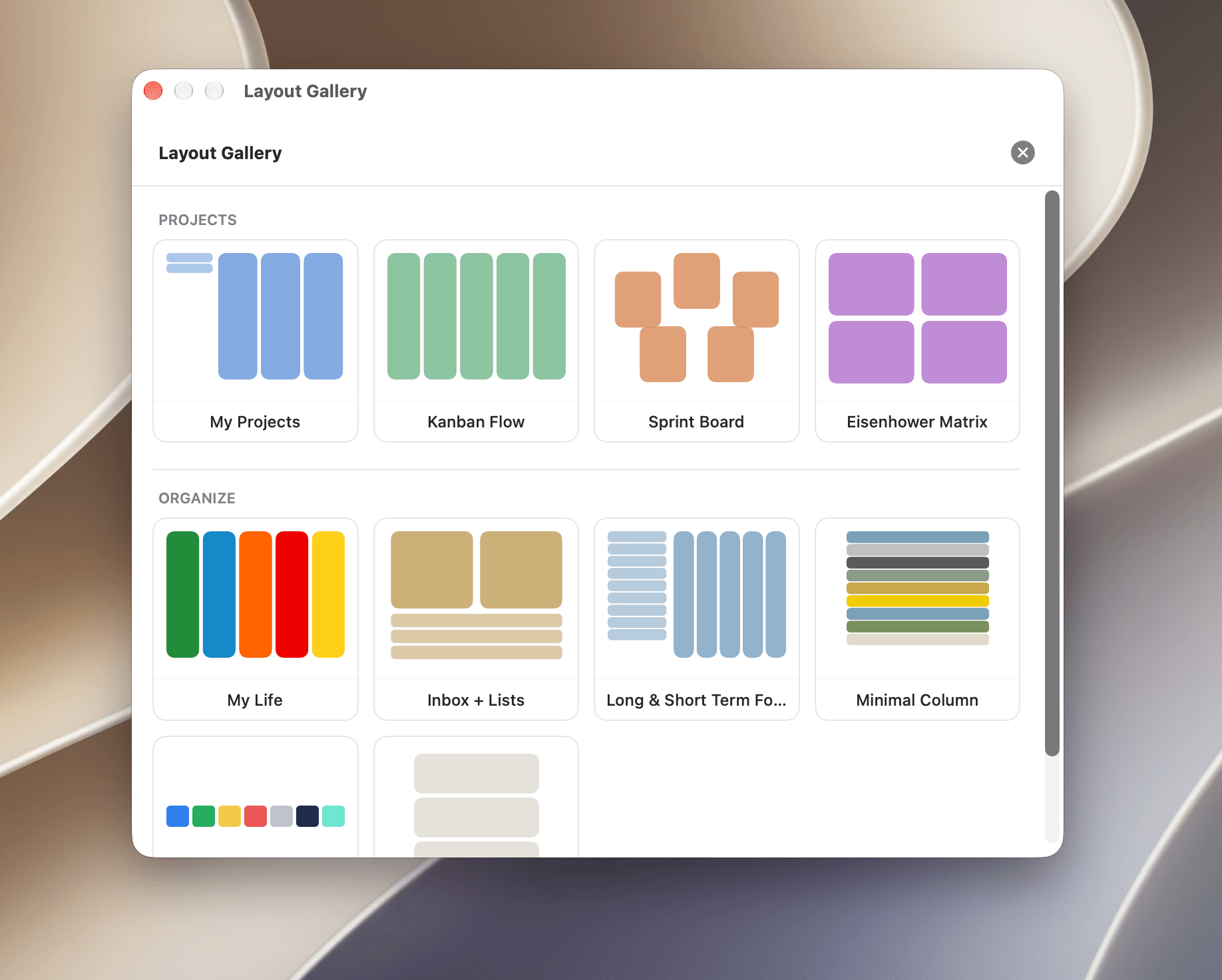
Layout presets
Eisenhower matrix, rows, columns, free layout. Start organized from day one.
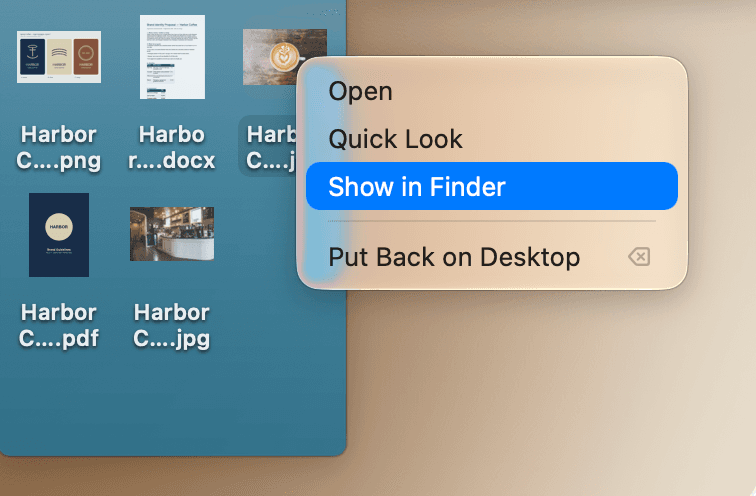
Native macOS
Quick Look, drag & drop, right-click menus, keyboard shortcuts. Zero learning curve.
Instant animations
GPU-accelerated. Every expand and collapse is fluid and immediate.
No cloud. Ever.
Everything stays on your Mac. No sync, no account, no server. Your data is yours.
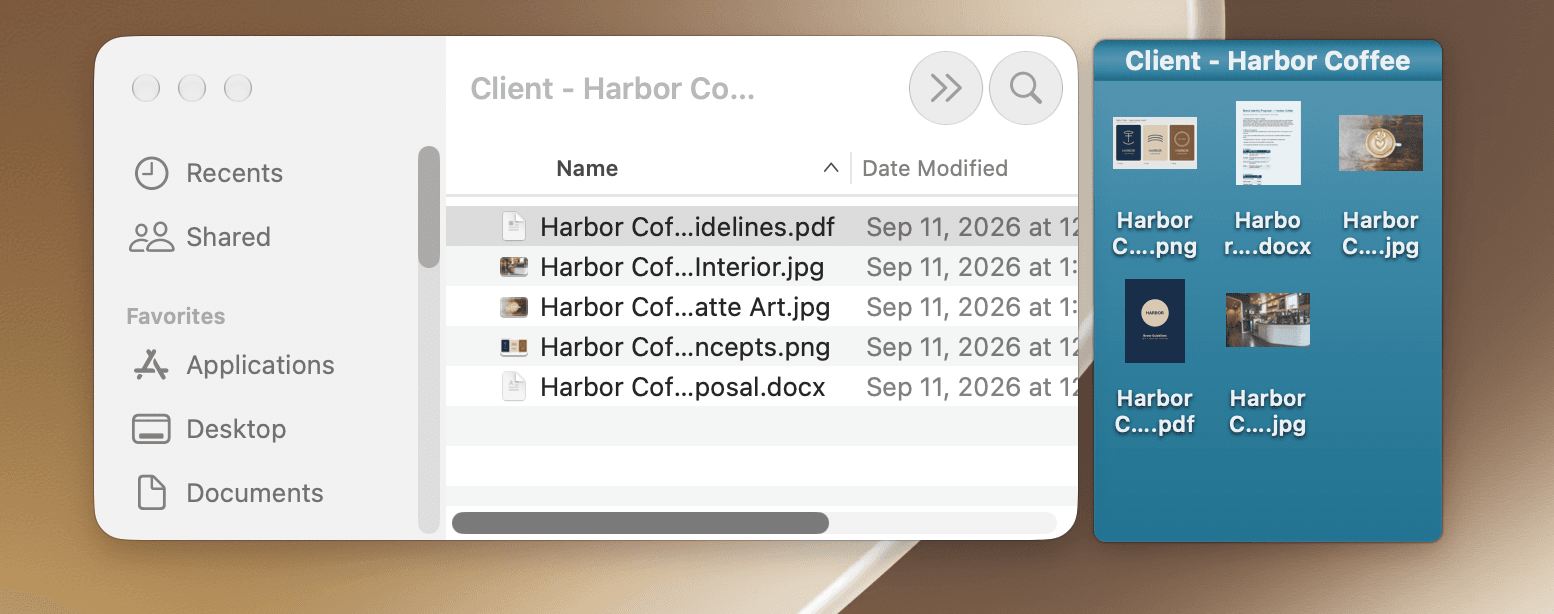
Real files
No database, no hidden container. Each tile is a real folder on your disk you can open in Finder any time.
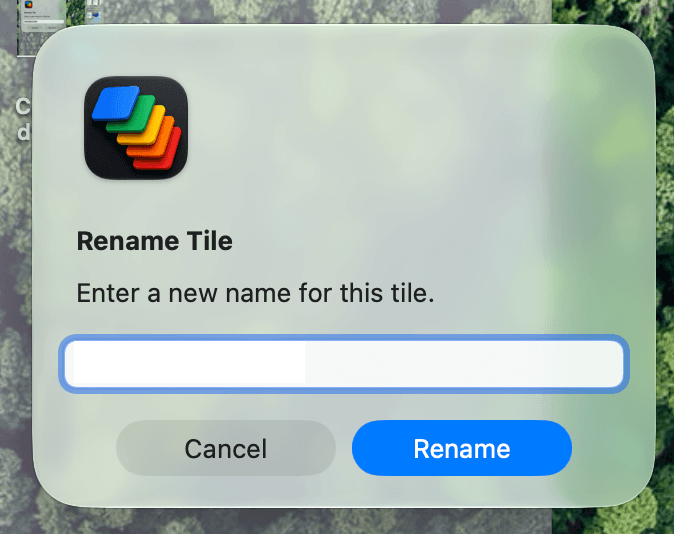
Full keyboard
Navigate, expand, open, rename — all from the keyboard. Power users feel right at home.
Always up to date
Built and tested on the latest macOS. Runs on Sonoma, Sequoia, Tahoe & Golden Gate.
Simple pricing.
One purchase. Everything included. Forever.
Regular price €19.99 from 1 December 2026 · One-time purchase, no subscription
- Unlimited project tiles
- Custom colors, fonts & layouts — Edit Style
- All preset templates (Kanban, Eisenhower, Sprint Board…)
- Keyboard shortcuts & Quick Look
- Native drag & drop — real Finder files
- macOS Sonoma, Sequoia, Tahoe & Golden Gate
- All future updates included
- No cloud · No account · No subscription
Your files never leave your Mac.
"It doesn't feel like a tool anymore. It's just how the Mac works."

Every power user who's tried it
“Once it clicks,
going back
feels broken.”
The first time you open a project and everything is right there — files, references, work in progress — you'll wonder how you ever managed without it.
Launch offer · Limited time
Get DeskTiles — €14.99Questions
“Finally, a desktop that works
the way I actually think.”
“I open a project tile and everything I need is right there. No Finder. No searching. Just work.”

The desktop you
always dreamed of.
macOS Sequoia, Tahoe & Golden Gate.
Works entirely on your Mac. No cloud. No account.
Launch offer · Limited time

Launch offer — €14.99
One-time purchase · All future updates included
Stay in the loop
New features for DeskTiles, and a heads-up when we launch new apps. No spam, unsubscribe anytime.
By subscribing you agree to receive occasional emails about DeskTiles. No spam. Unsubscribe at any time. Privacy Policy.